Bring Your Old Printer Back to Life on Windows 10 & 11
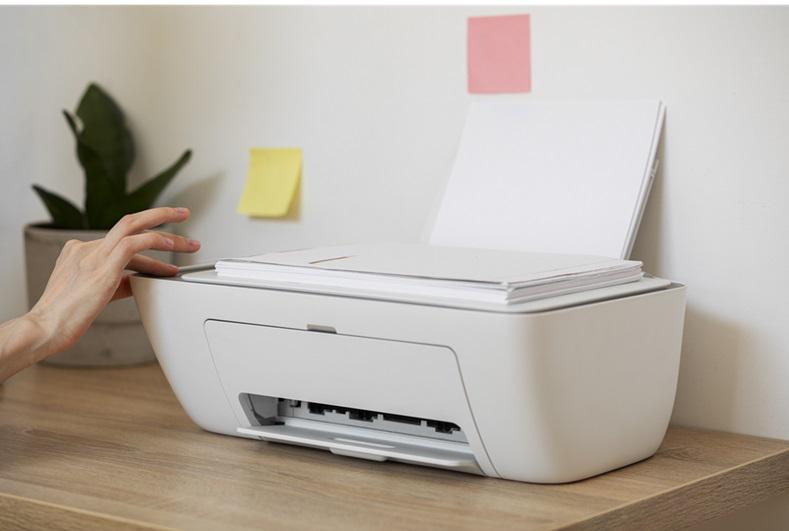
Revive Your Older Printer on Windows 10 & 11: A Step-by-Step Guide Even reliable printers can run into trouble when you upgrade to Windows 10 or 11. Older devices may no longer be recognized, display “Driver Not Found,” or fail to print altogether. This is often because manufacturers focus on newer models, leaving legacy devices […]
Understanding “Driver Not Available” Messages and How to Resolve Them
Sometimes, your computer may display a message indicating that the printer driver is not available. This usually means your system cannot properly communicate with your printer. The printer driver is the software that allows your computer and printer to work together effectively. This guide will explain simple, safe ways to get your printer working again. […]
Keeping Your Printer Software Up-to-Date: A Complete Guide
Ensuring that your printer’s software is current is essential for smooth performance and long-lasting reliability. Like other computer applications, the software that controls your printer benefits from updates, which can improve compatibility, enhance functionality, and prevent unexpected interruptions. In some cases, you may also need to reinstall the software to restore normal operation. This guide […]
Understanding Different Printer Software Types: PCL, PostScript, and XPS
When exploring how your printer communicates with your computer, you might come across terms like PCL, PostScript, or XPS. These are types of printer software, each designed for specific printing needs. Knowing the differences can help you optimize your printer for speed, quality, or document consistency. This article explains these main types of printer software […]